
Photos Into Selling Listings
Snap it, say it, sell it.
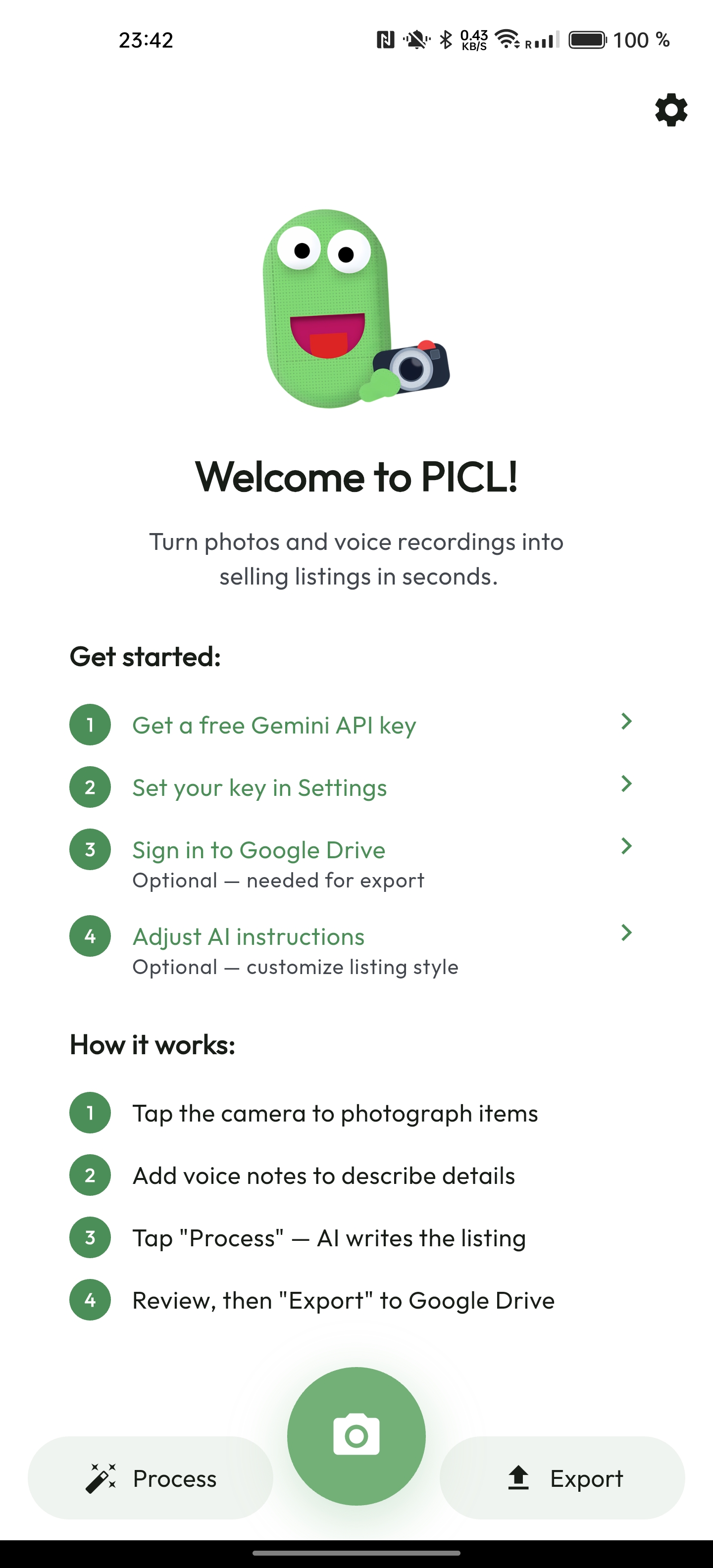
Photograph items. Record a voice memo. Let Gemini AI write the listing. Export to Google Sheets.
Powered by
Gemini
Get it on Google Play
Photos Into Selling Listings
Photograph items. Record a voice memo. Let Gemini AI write the listing. Export to Google Sheets.
Less typing, more selling.
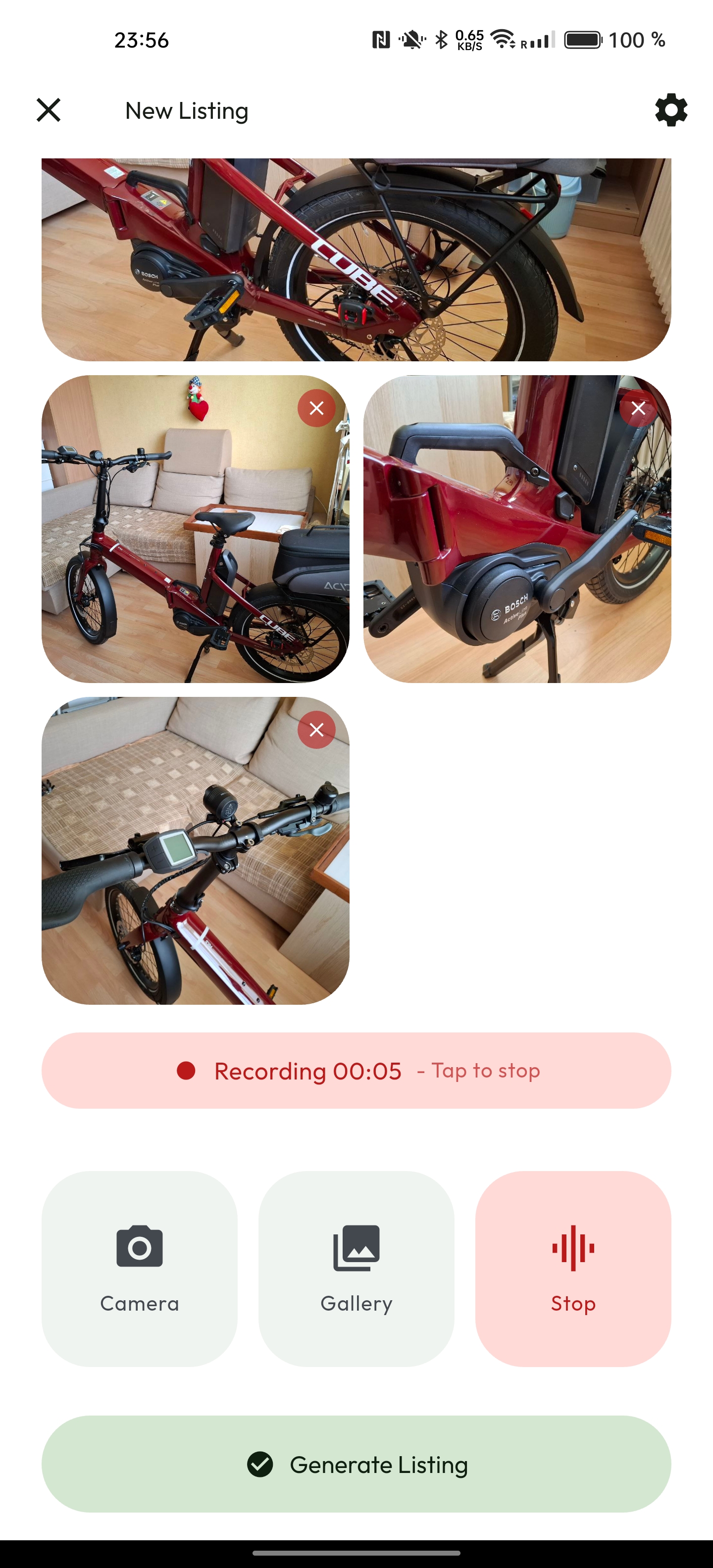
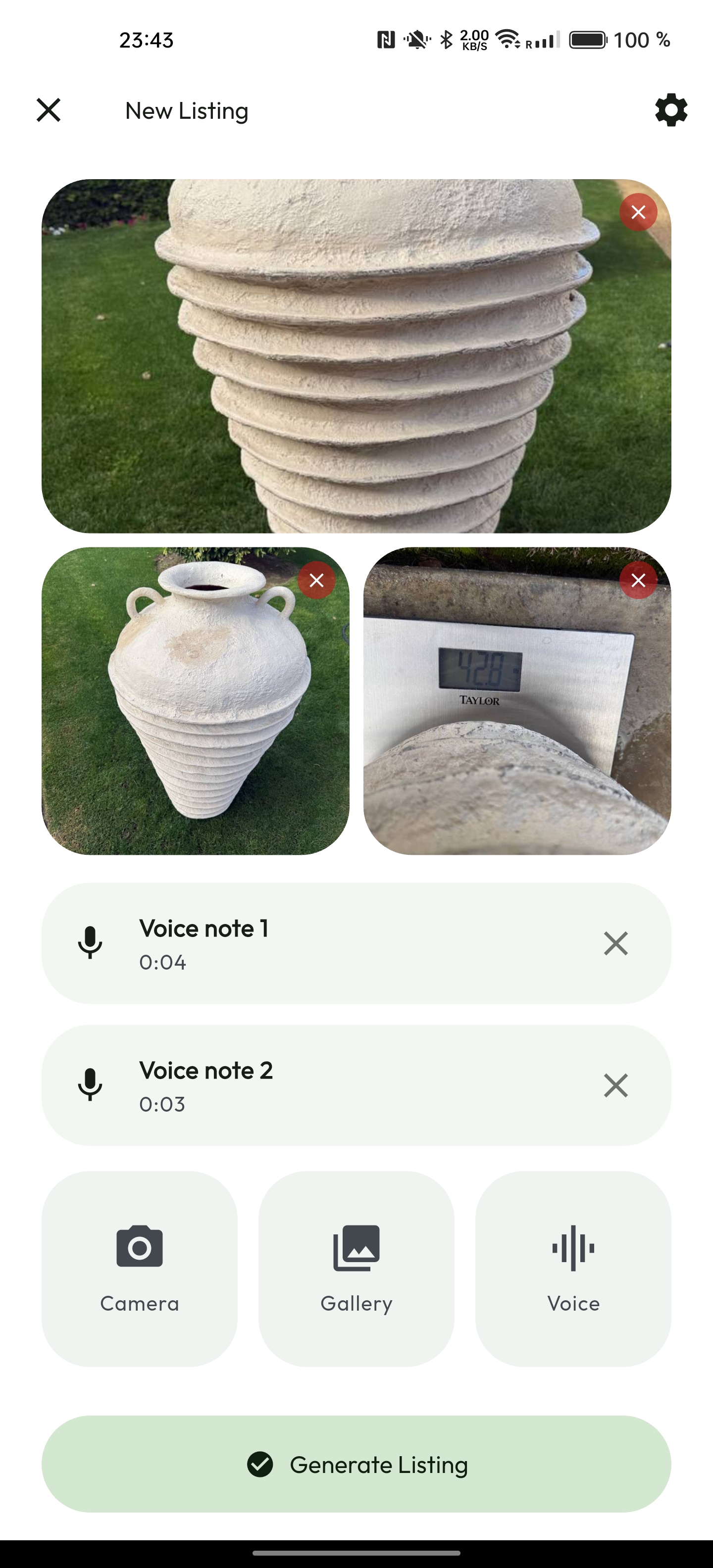
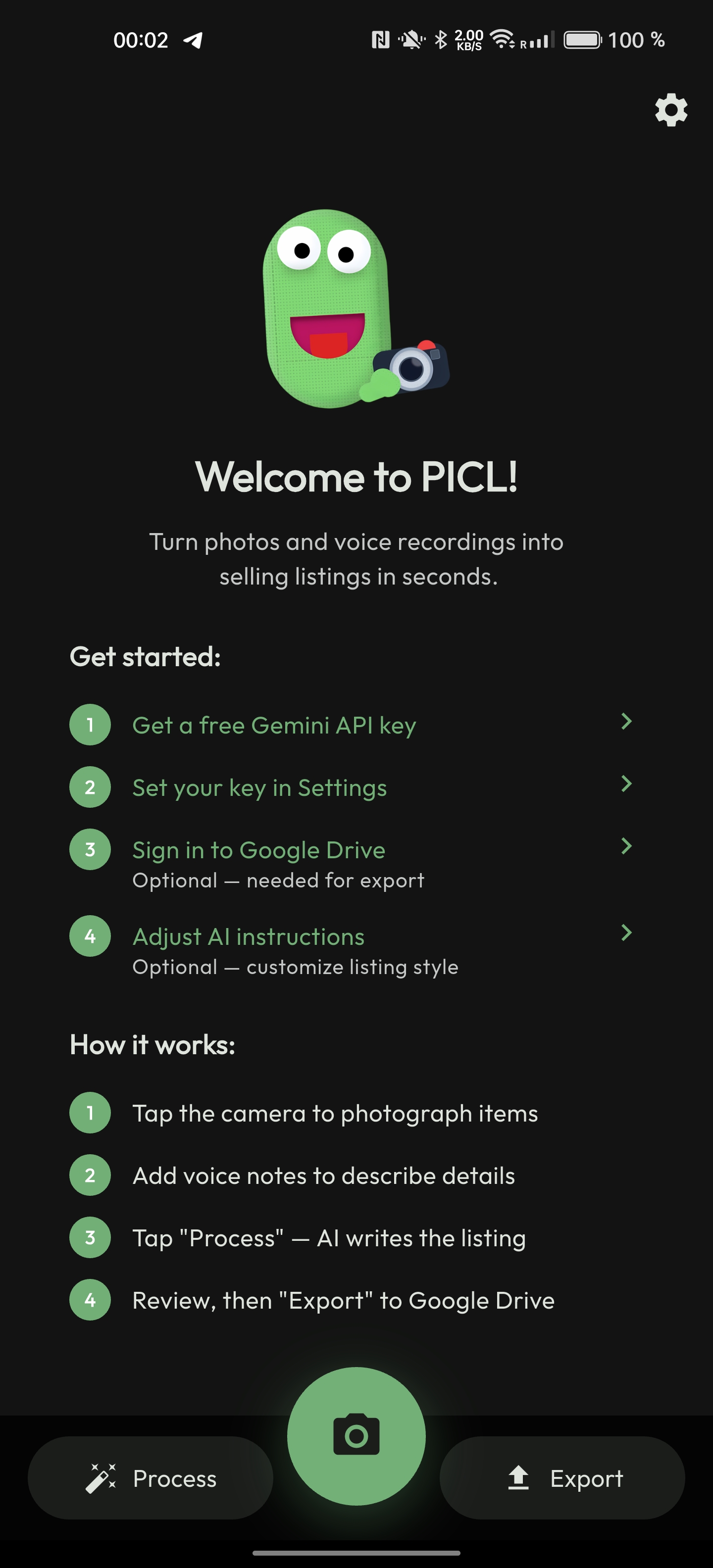
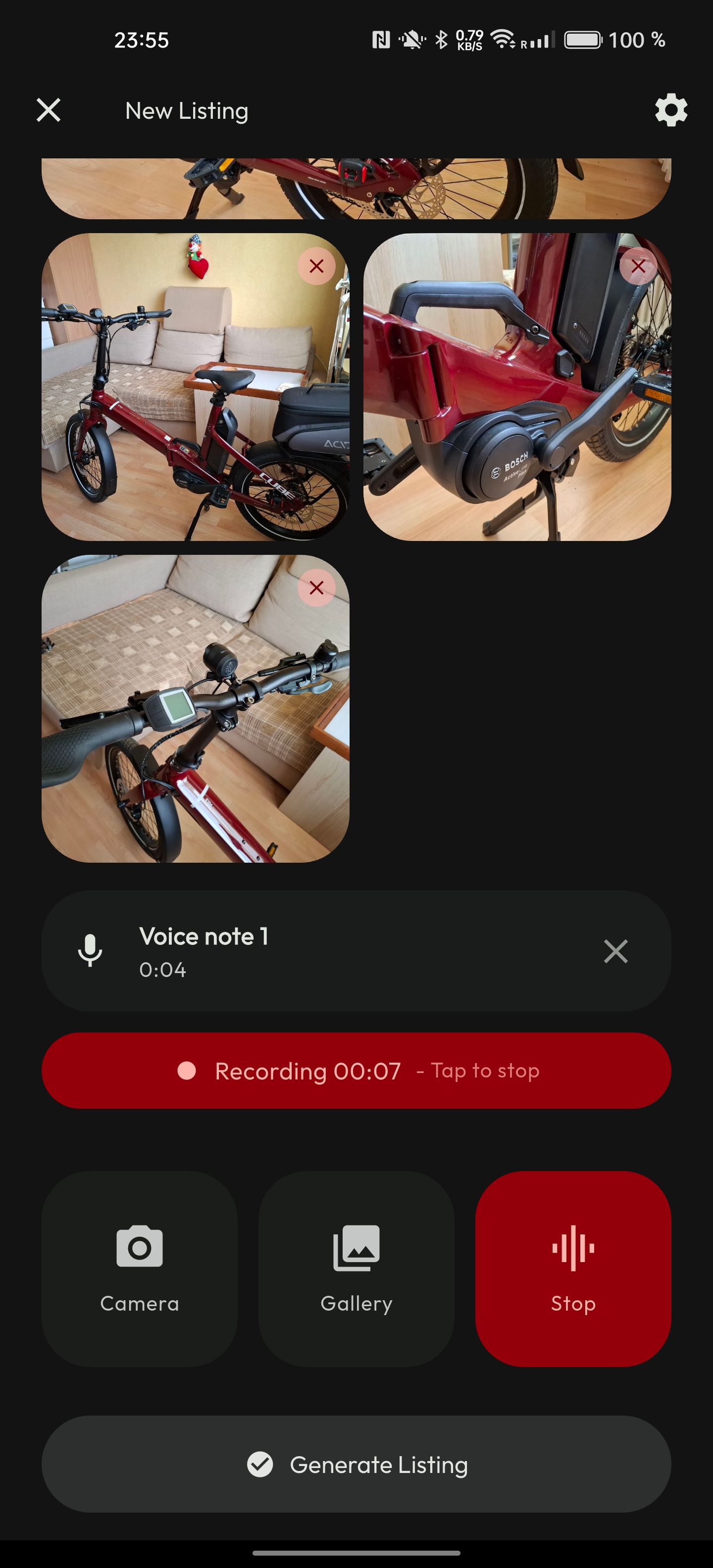
Photograph the item. Record a voice note with details the camera can't see. No keyboard needed.
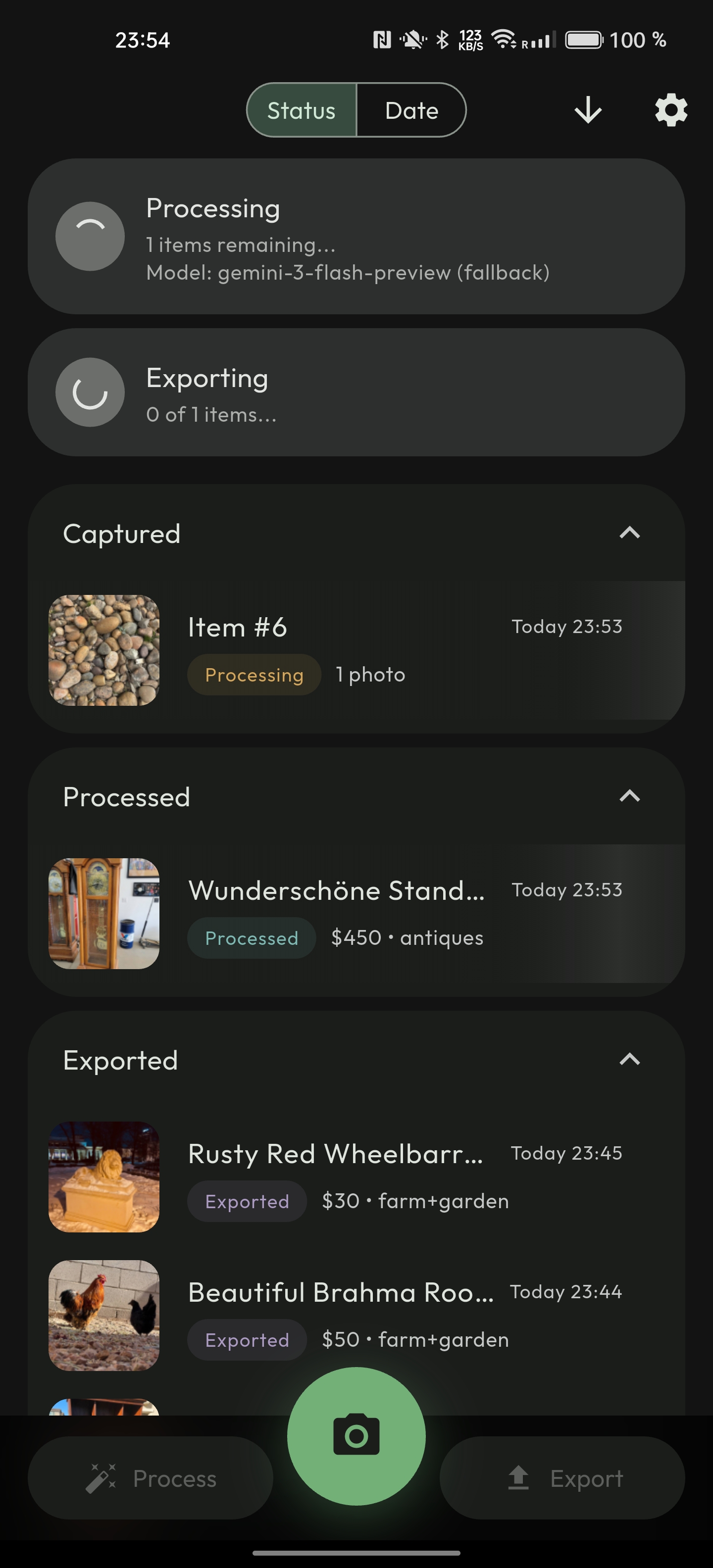
Gemini sees your photos, hears your voice, and generates title, description, price, condition, and category.
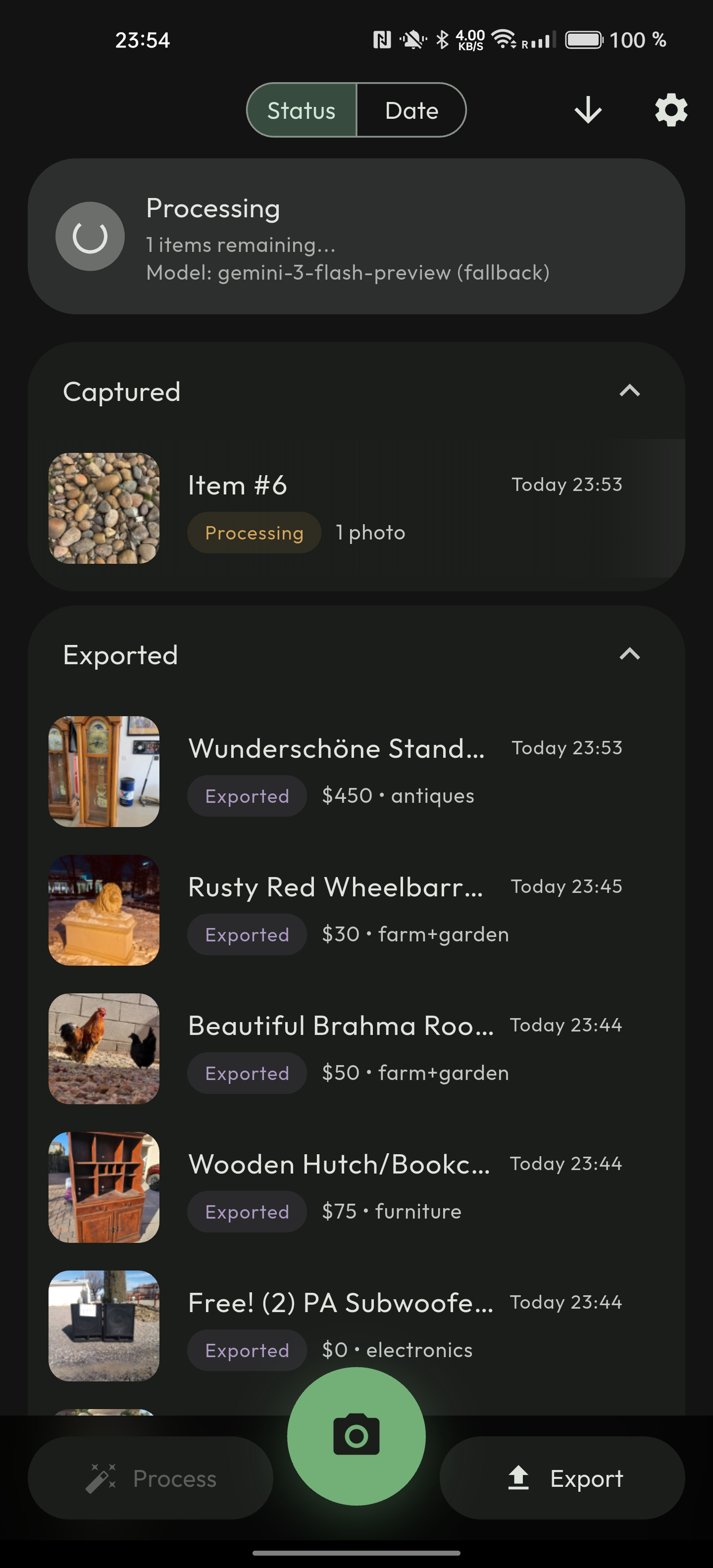
Capture 50 items at a garage sale. Process them all at once. Export every listing in a single tap.
Custom AI instructions let you set the tone. Casual, detailed, whatever fits your marketplace.
Capture at the storage unit, the yard sale, anywhere with no signal. Process later when you're back online.
No servers, no analytics, no tracking. Everything goes straight to your Google Drive and Sheets.
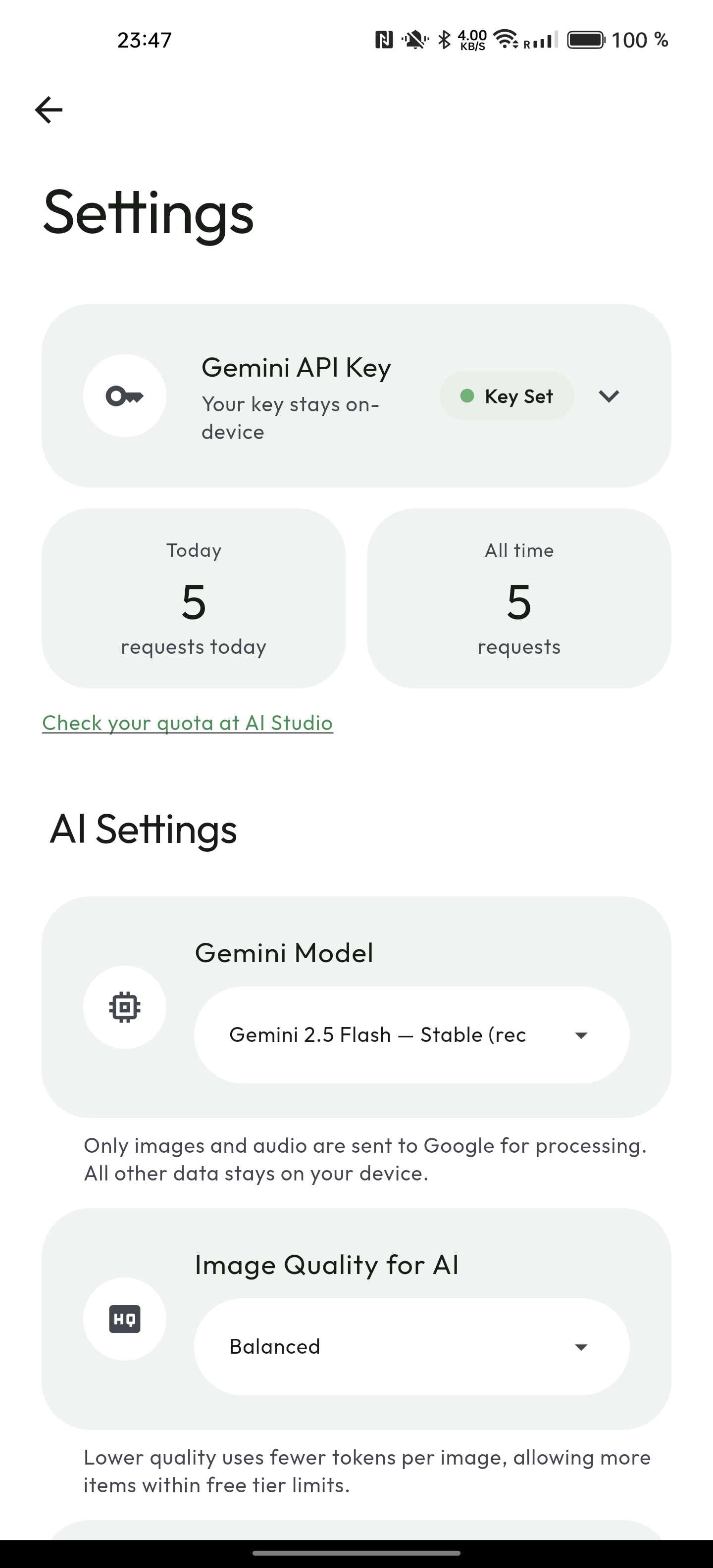
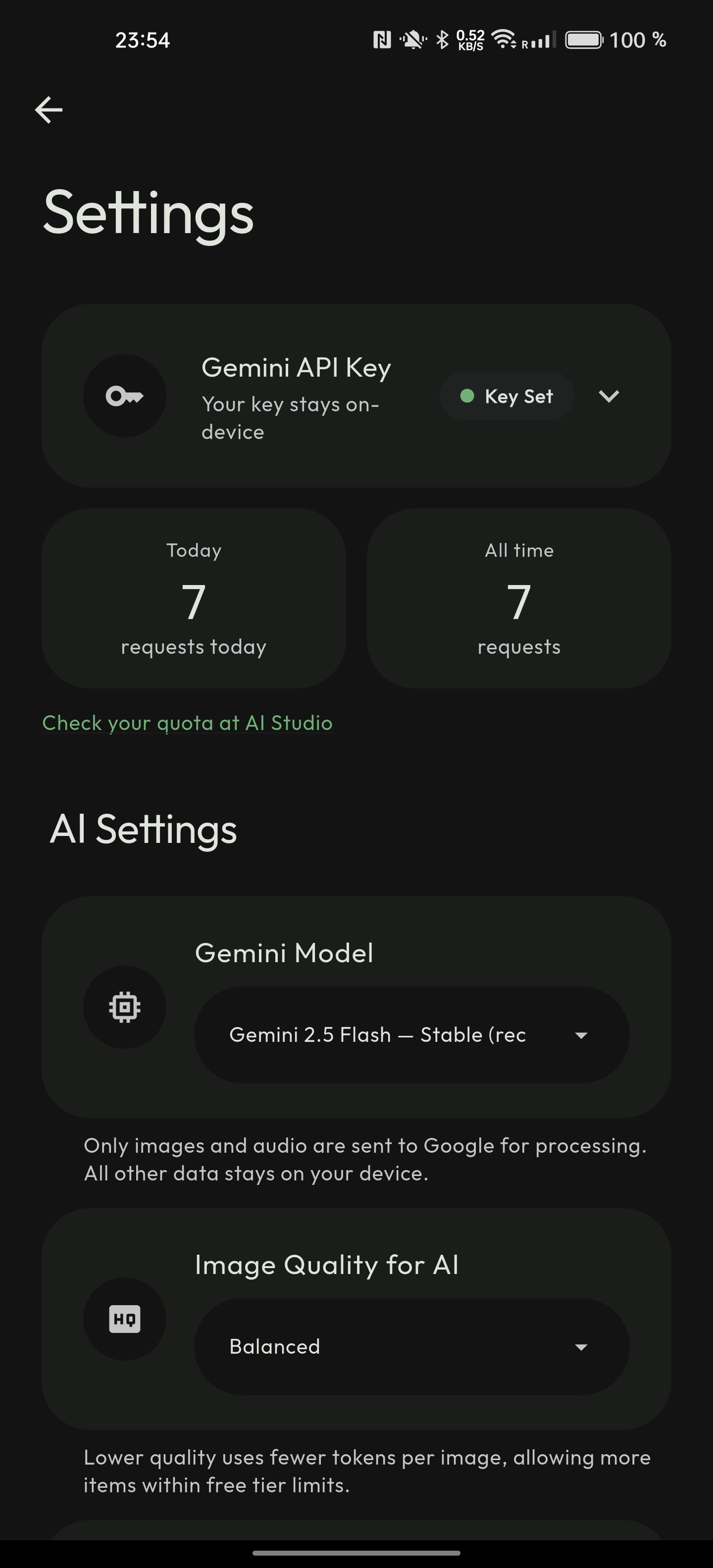
picl uses Google's Gemini AI to generate listings. You'll need a free API key to get started.
The free tier is generous and sufficient for personal use. Your key is stored encrypted on your device using Android's secure keystore and is only sent directly to Google's API — never to us or any third party.
You can check your usage and quota anytime at AI Studio.
Photos + voice memos. Works offline.
Gemini AI generates title, price, description.
Images to Drive, data to Sheets.
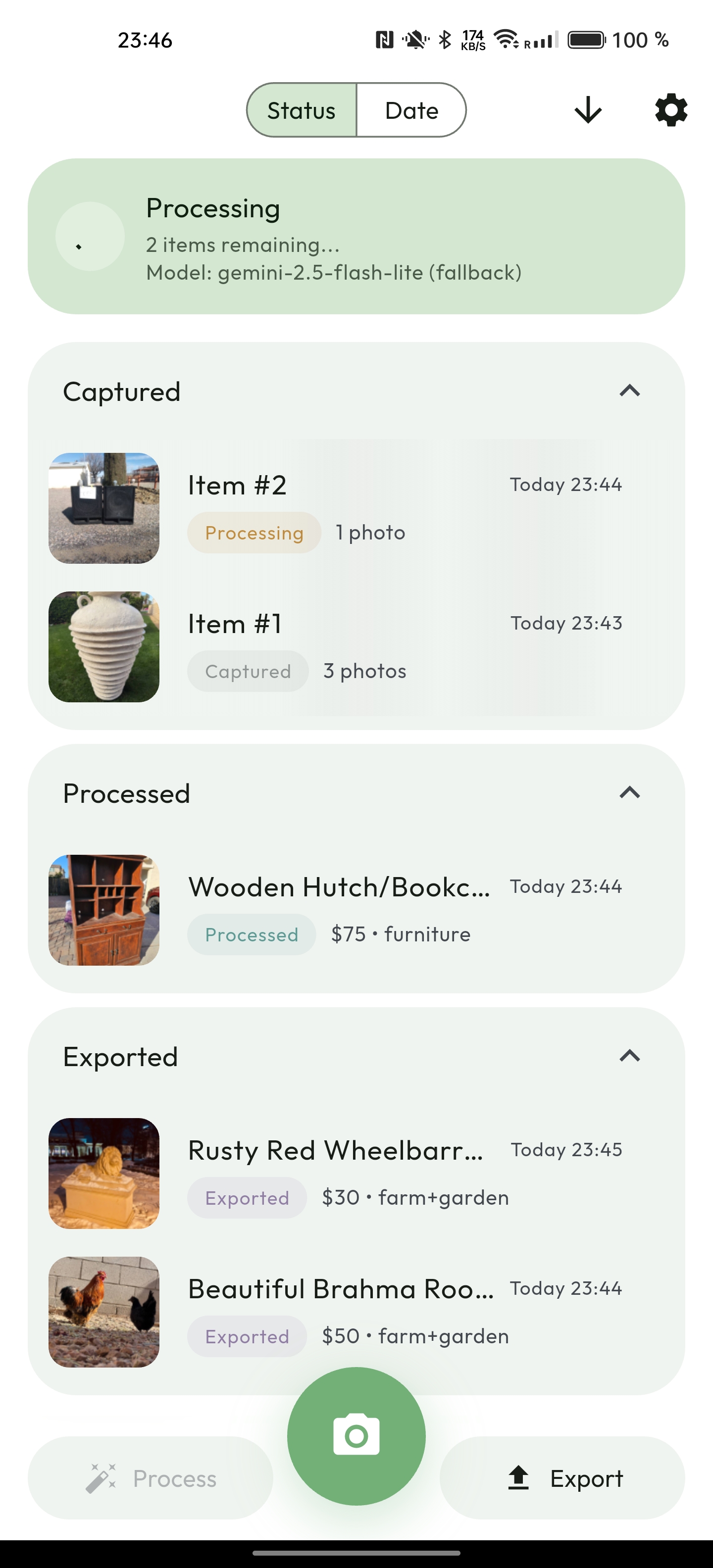
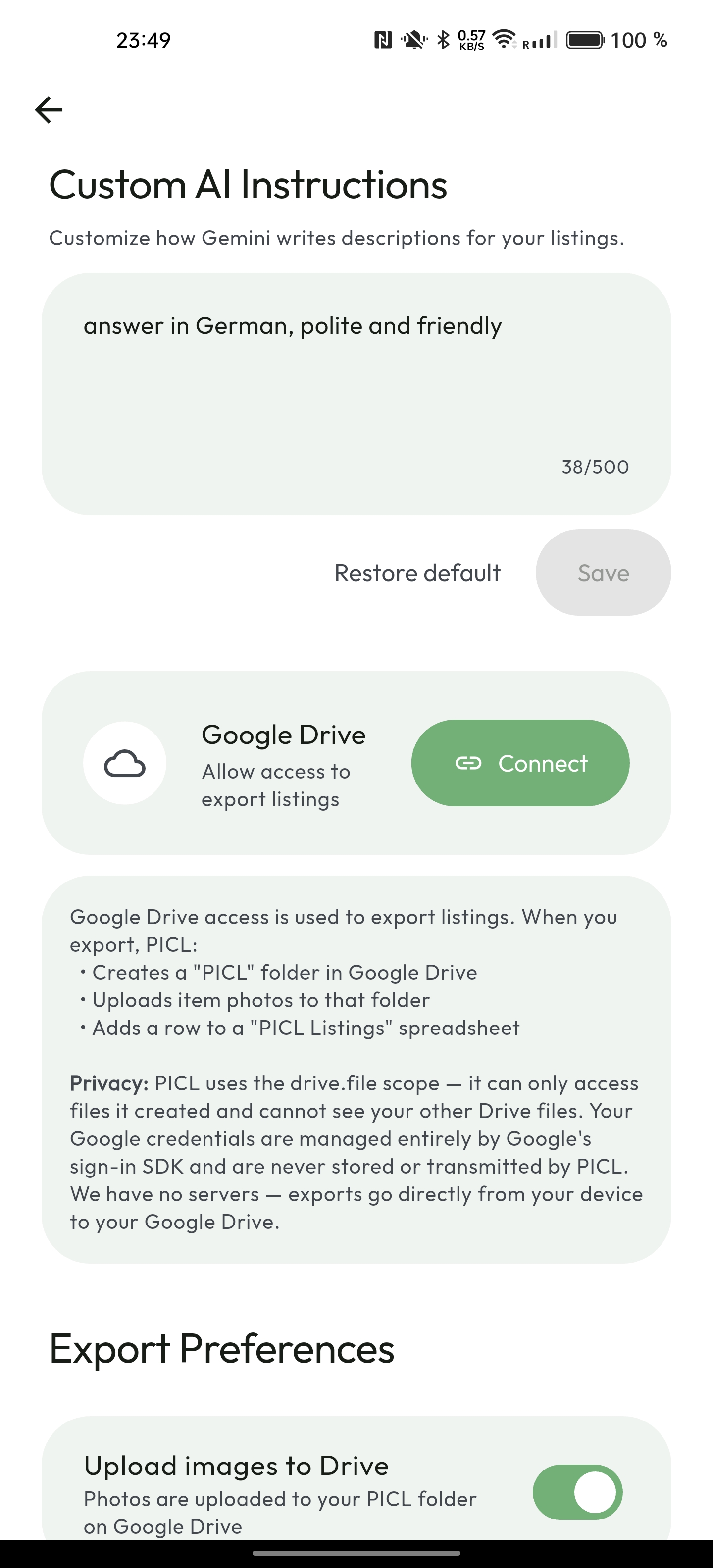
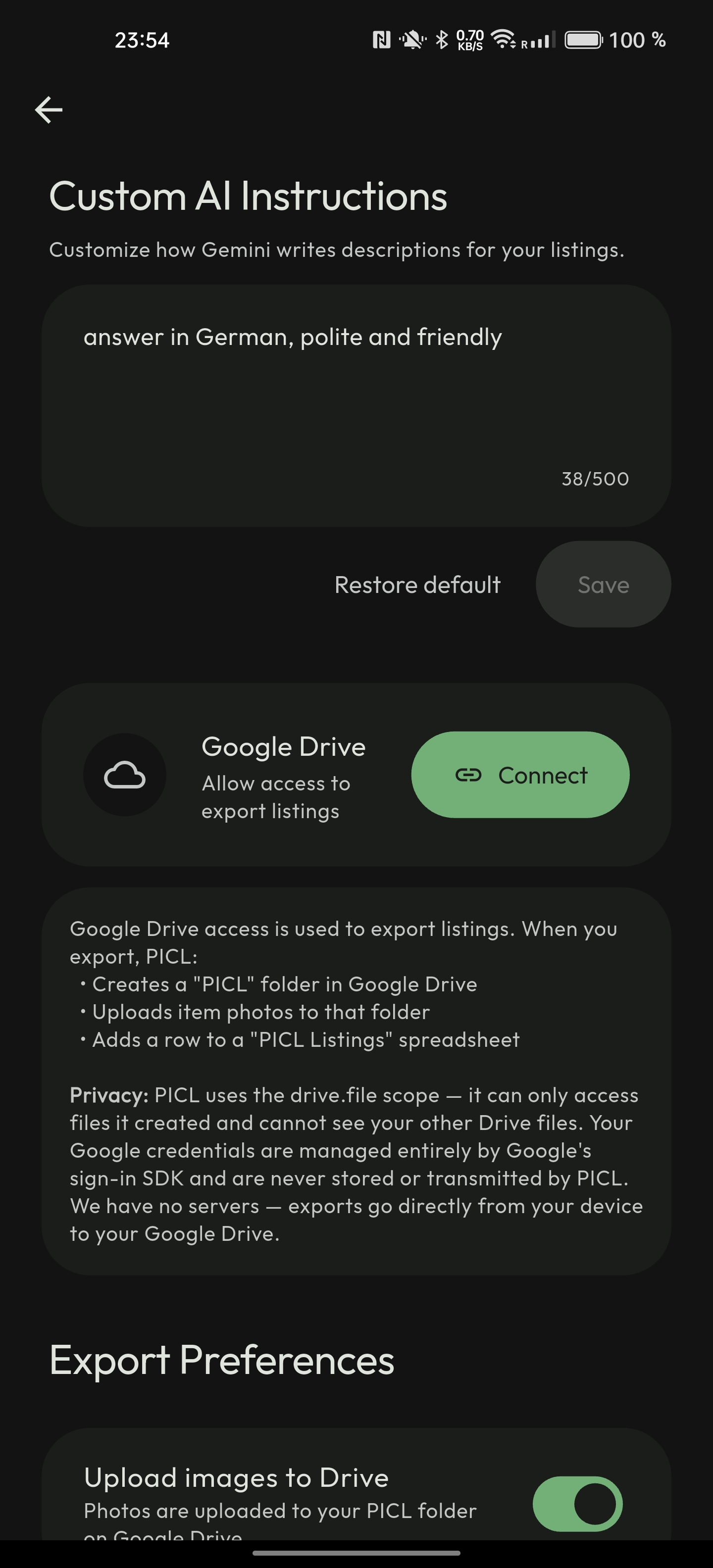
When you export listings, picl uploads images to Google Drive and appends listing data to a Google Sheets spreadsheet — all within your own Google account.
picl requests only the drive.file scope. This means it can only access files it created — it cannot read, modify, or even see any other files in your Drive. This is the most restrictive Drive scope available.
picl has no backend servers. We do not collect, store, or have access to any of your data — not your photos, not your listings, not your Google account information. All communication happens directly between your device and Google's APIs over encrypted HTTPS connections. Your Google credentials are managed entirely by Google's sign-in SDK and are never stored or transmitted by picl.
You can revoke access at any time at myaccount.google.com/permissions.